Templates
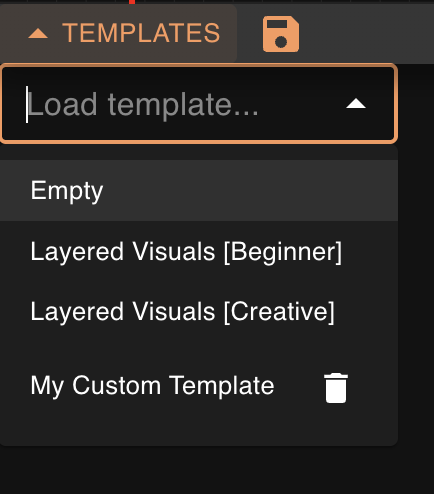
Templates are a way to capture the starting point of your song-visualization workflow. Some templates come pre-packaged with Vizloom: you won't be able to delete or override these. However, you will be able to modify them and save new templates from the result. To update an existing template you created, simply save your edits with the same name to override its previous version.
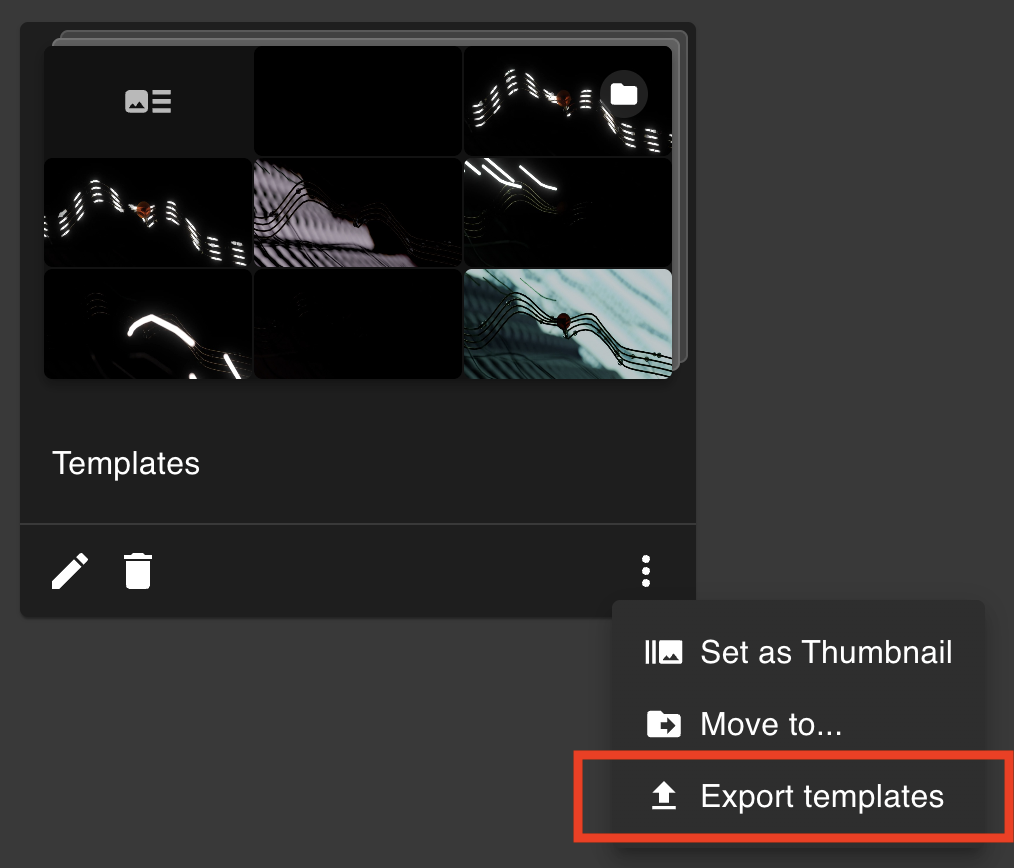
Templates live in your Visuals Library alongside your visuals, and can be organized into folders just like them. A folder can even use one of your templates as its thumbnail, previewed as a small mosaic of the visuals referenced by it. When picking a template, you can enter its name directly or the name of any folder on its path to find it.
Vizloom currently ships with three starter templates:
- Layered Visuals — a flexible all-rounder built around the idea of layering multiple visuals together at the same time.
- Scene Cuts — a more scene-driven starting point that leans on beat-synced switching between visuals, while applying audio-driven effects to them.
- Empty — a blank canvas for building a workflow entirely from scratch.
What's Saved in a Template
The data saved in a template will include everything within the Creative Editor:
- Node trees;
- The rack with all its tracks;
- The mixer and its audio tracks;
- The currently selected values in each track.
What's NOT Saved
A template will not include:
- Information tied to the song, for example: BPM, synchronization offset, song metadata, render status...
- Your visuals library and its contents.
Note: This means you can indeed "break" a template if you select a specific visual in any track, save a template, and later delete that visual from the library, the reference to the missing visual will simply be omitted from then on.
Sharing Templates (.vzlm archives)
Templates can be exported and shared as portable .vzlm files. An exported archive contains the selected templates together with the visuals they reference and their per-visual settings, so whoever imports it gets a working template out of the box.
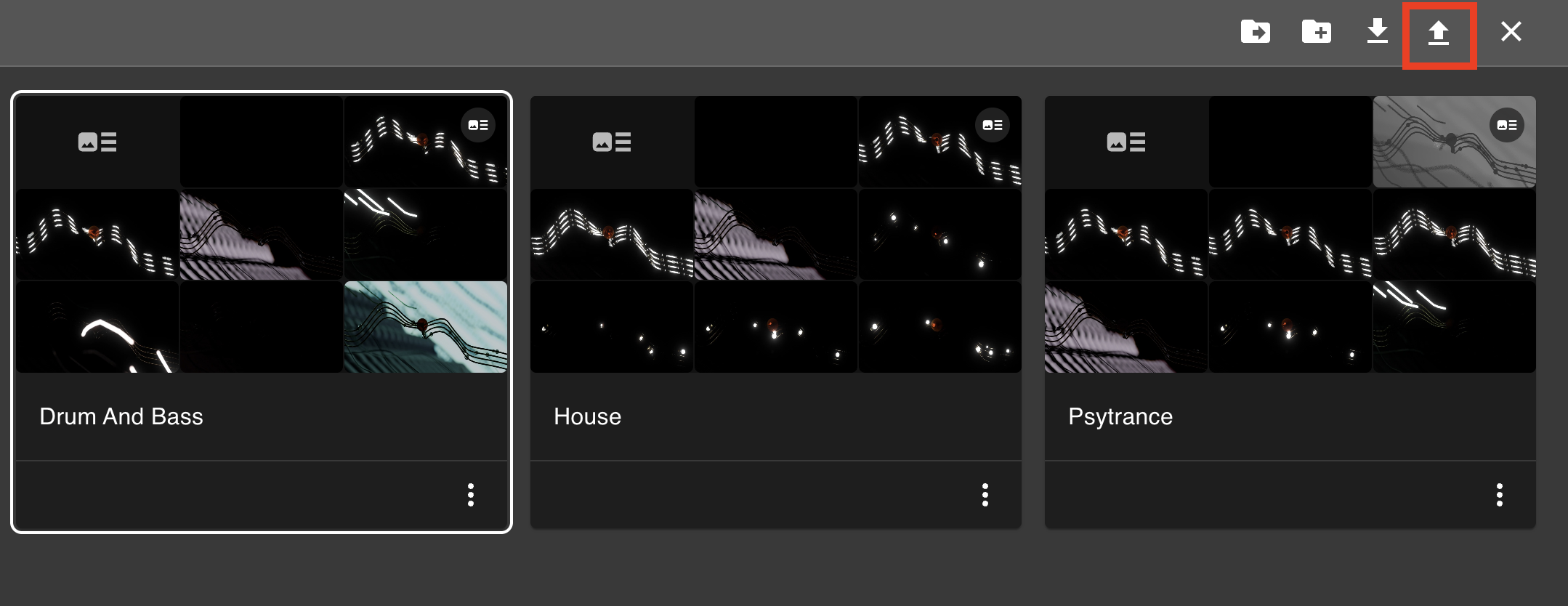
To export a template, select it by clicking on its tile in the library, and click the export button in the gallery. Alternatively, choose File → Export Template… from the menu bar.
To bring a .vzlm archive into Vizloom, any of these works:
- Drag and drop the file into the Visuals Library or the dedicated dropbox in the creative editor;
- Use the import button in the Visuals Library;
- Choose File → Import Templates… from the menu bar;
- Simply double-click the archive in your file explorer: Vizloom will open and import it directly.
Before anything is added to your library, an import preview shows what the archive contains. A few things worth knowing:
- No duplicate visuals. If your library already contains a visual from the archive (if you imported an earlier version of the same template), Vizloom recognizes it and points the imported template at your existing copy instead of importing it again.
- Imported media is managed for you. Media files extracted from an archive are stored inside your library folder. If you later remove a visual that was brought in by an import, its files are cleaned up from disk automatically. This differs from visuals that you import directly in the library, as removing those from the library will NOT delete the originals on your hard drive.
- Multiple templates can be bundled. You can export multiple templates in the same file by opening the contextual menu of the folder containing them and choosing "Export templates" from there.